
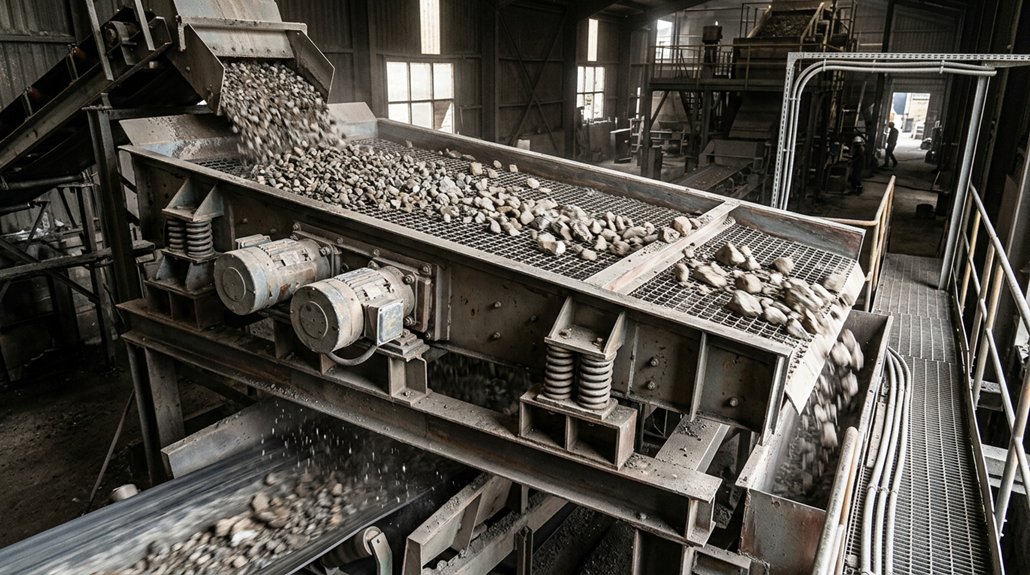
How Does a Vibrating Screen Separate Material?
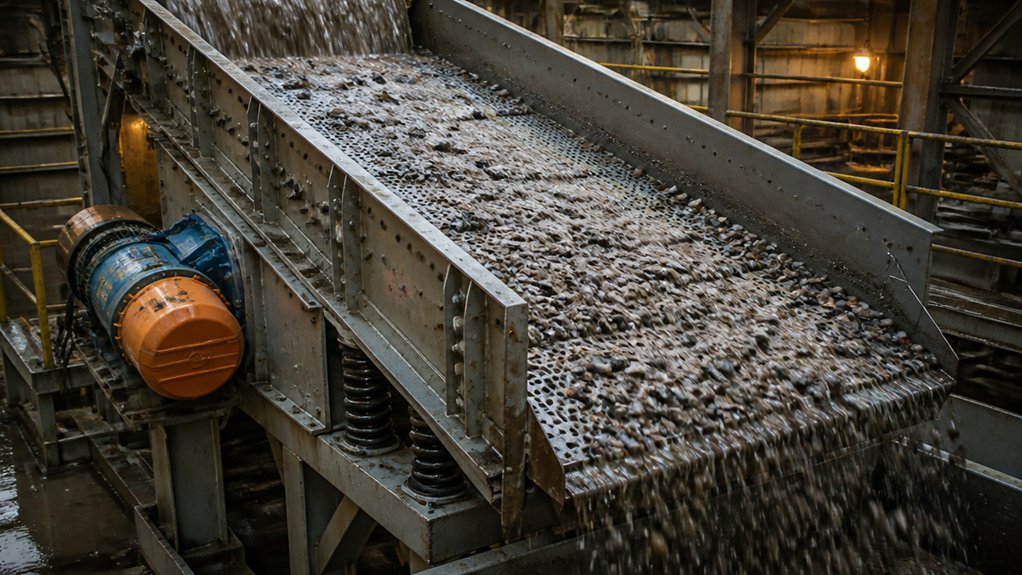
A vibrating screen separates material by using controlled vibration to move it across a mesh or perforated deck. As the feed spreads and loosens, particles smaller than the openings pass through; oversize material travels to the discharge end.
Keep the feed rate steady and distribute material across the full deck width. Surges or uneven loading can reduce screening accuracy and overload parts of the screen. Adjust the feed rate, deck angle, and vibration settings to suit the material and the required separation.
Check the product and discharge streams during operation, and make adjustments if you see blinding, excessive carryover, or uneven flow.
Before inspecting the screen or clearing a blockage, shut down and isolate the equipment, apply lockout procedures, and verify it can’t start. Never reach into a moving screen or bypass guards.
What Do Vibrating Screen Components Do?
Consistent separation depends on several components working together. The screen deck supports the mesh and carries material across the screening surface while resisting operating loads. The drive and exciter generate and distribute vibration through the screen box.
Springs or other supports control the box’s movement and help keep it stable. Bearings and seals protect rotating parts from wear and contamination, while the frame keeps the assembly aligned.
In the field, loose fasteners, worn supports, poor lubrication, or damaged seals can affect performance and lead to further damage. Check these areas as part of routine inspections, following the equipment manufacturer’s guidance.
Before inspecting or servicing the screen, lock out and isolate all power sources. Replace damaged parts before returning the screen to service.
How Do Feed, Speed, and Screen Media Affect Performance?
Screen performance comes down to three things: how steadily you feed the deck, how the machine moves, and whether the media suits the job.
Keep the feed centered and spread it evenly across the deck. A surge can overload part of the screen, while too little feed can reduce useful particle contact. Match the feed rate to the screen’s capacity and watch for uneven distribution, buildup, or material bypassing the intended separation.
Set vibration frequency and stroke for the material and cut size. More speed isn’t automatically better; an unsuitable motion can reduce separation efficiency or increase wear. Check product size and throughput after adjustments, and change one setting at a time so you can see its effect.
Choose screen media with openings suited to the product, enough open area for the required capacity, and wear resistance appropriate to the material. Consider the risk of blinding, especially with damp or sticky feed.
Inspecting or changing media requires the machine to be stopped and locked out. Follow site lockout procedures and verify the machine can’t start before working on it.
What Causes Common Screening Problems: and How Can You Fix Them?
When a vibrating screen loses capacity or produces an off-spec cut, start with the basics: check that feed is steady and spreading evenly across the deck. A deep or uneven bed can reduce screening efficiency, even when the screen itself is in good condition.
If openings are blocked, look for wet, sticky material or apertures that are too small for the feed. Blinding covers openings; pegging occurs when particles wedge into them. Clear blocked openings with approved tools and follow the site procedure. Never reach into a moving screen.
Inspect screen media, fasteners, springs, and bearings for wear or damage. Before inspecting or maintaining the equipment, isolate it and follow lockout procedures.
Check vibration settings against the manufacturer’s limits and your operating records. Don’t change amplitude or frequency until you’ve checked feed conditions, media condition, and the machine.
Make one adjustment at a time, then sample the product to confirm the cut and capacity.
Conclusion
A vibrating screen separates material by moving it across decks with openings sized to pass the required product. To keep it working well, start with the feed: distribute material evenly across the full deck width and avoid surges that overload one area. Watch how the material travels. A steady, even bed and open apertures are good signs; blinding, pegging, or uneven loading can point to problems with moisture, feed conditions, screen media, or operating settings.
Check the screen, media, and related components regularly, and address wear or damage before it affects production. Before any inspection or maintenance, stop the equipment, isolate it from all energy sources, and follow your site’s lockout/tagout procedures. Never reach into a moving or energized screen.